Cara Cek Nomor Seri iPhone
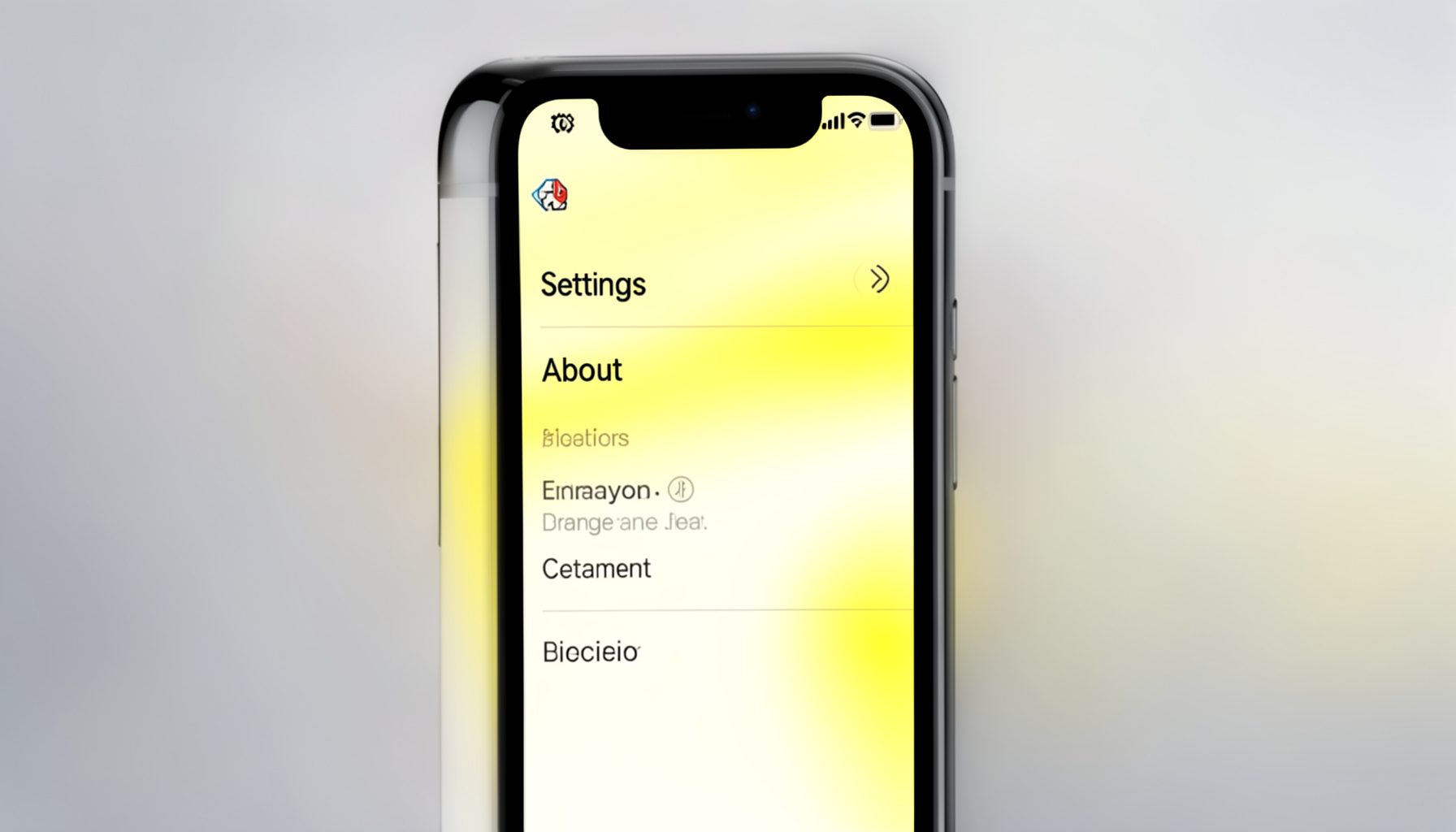
If you have the iPhone in hand, the easiest way to find its serial number is through the Settings app. Here's how:
- Open Settings on the iPhone.
- Tap General.
- Tap About.
- Scroll down until you see Serial Number. You can tap and hold to copy it.
The serial number is a string of letters and numbers unique to that device. You can use it to check warranty coverage or confirm the phone's model and origin.
Jika Anda Tidak Memiliki Perangkat
Even without the physical iPhone, you can still look up its serial number — provided the device is linked to an Apple ID account. Visit appleid.apple.com and sign in with the Apple ID used on that iPhone. Once signed in, navigate to the Devices section; selecting the iPhone will display its serial number alongside other details.
This method is useful when buying from an online seller who can share a screenshot, or when you've misplaced your phone and need its identifier for support.
Akhir Kata
Checking an iPhone's serial number or IMEI is a straightforward but essential step. Whether you're buying new, used, or simply verifying your own device, these two methods cover both in-hand and remote scenarios. Pair this check with the iPhone iBox code guide for even greater confidence in your purchase.